What affects Wi-Fi signal in your home?
Slow broadband is not always caused by a network problem. Your equipment, Wi-Fi set‑up, home wiring and even the time of day can all affect performance.
Start by testing your connection to check for network issues. Enter your phone number to see which dialling codes are affected and how long we expect any problems to last.
Find out what broadband speeds mean at Broadband speed: What is it and how does it work?
You can check your broadband speed using our troubleshooter or the My BT app.
You’ll need to log in with your BT ID.
1. If you're a new BT customer
It can take until midnight on the day your services go live for broadband to start working. You can check your activation details by logging in to Track your order.
When broadband is first set up, we run checks on the line to give you the best possible speed and a stable connection. During this time it’s normal for speeds to change. These checks can take up to 10 days, so keep your hub switched on.
2. Device speed and connection
If your Wi-Fi feels slow, the device you’re using could be the cause. Newer devices support faster wireless speeds. For example, a smartphone from 2013 can handle around half the Wi-Fi speed of a modern phone.
Use the My BT app to test:
- speed to your hub
- speed to your device
A slow computer can also make broadband feel slower. This can be caused by:
- running lots of programs at the same time
- not having enough memory
- browser add‑ons
- too many programs starting up automatically

3. How your broadband is used
Your broadband speed is shared between all connected devices. If 4 devices are online at the same time, each one will get roughly a quarter of the available speed.
Activities like streaming live TV, YouTube or Netflix, and online gaming use more bandwidth. If someone in your household is doing this, it can affect speeds for everyone else.
If you've connected devices you no longer use, disconnecting them can help.
4. Use of the main telephone socket and microfilter
Your hub should be plugged into the main telephone socket. This is usually in the hall or front room, near where the phone line enters your home.
If the main socket has one port, you’ll need a microfilter. This lets your broadband and phone work at the same time. If it has 2 ports, you don't need a microfilter.
You’ll need a microfilter on every socket that has phone or broadband equipment plugged in. Without one, you may have problems with your connection.
If you’re a Fibre customer, you won't have a main telephone socket. Your hub plugs directly into the Openreach modem. Check your Full Fibre setup.

5. Your wireless set-up
Your Wi-Fi set‑up has a big impact on speed. Small changes can make a noticeable difference.
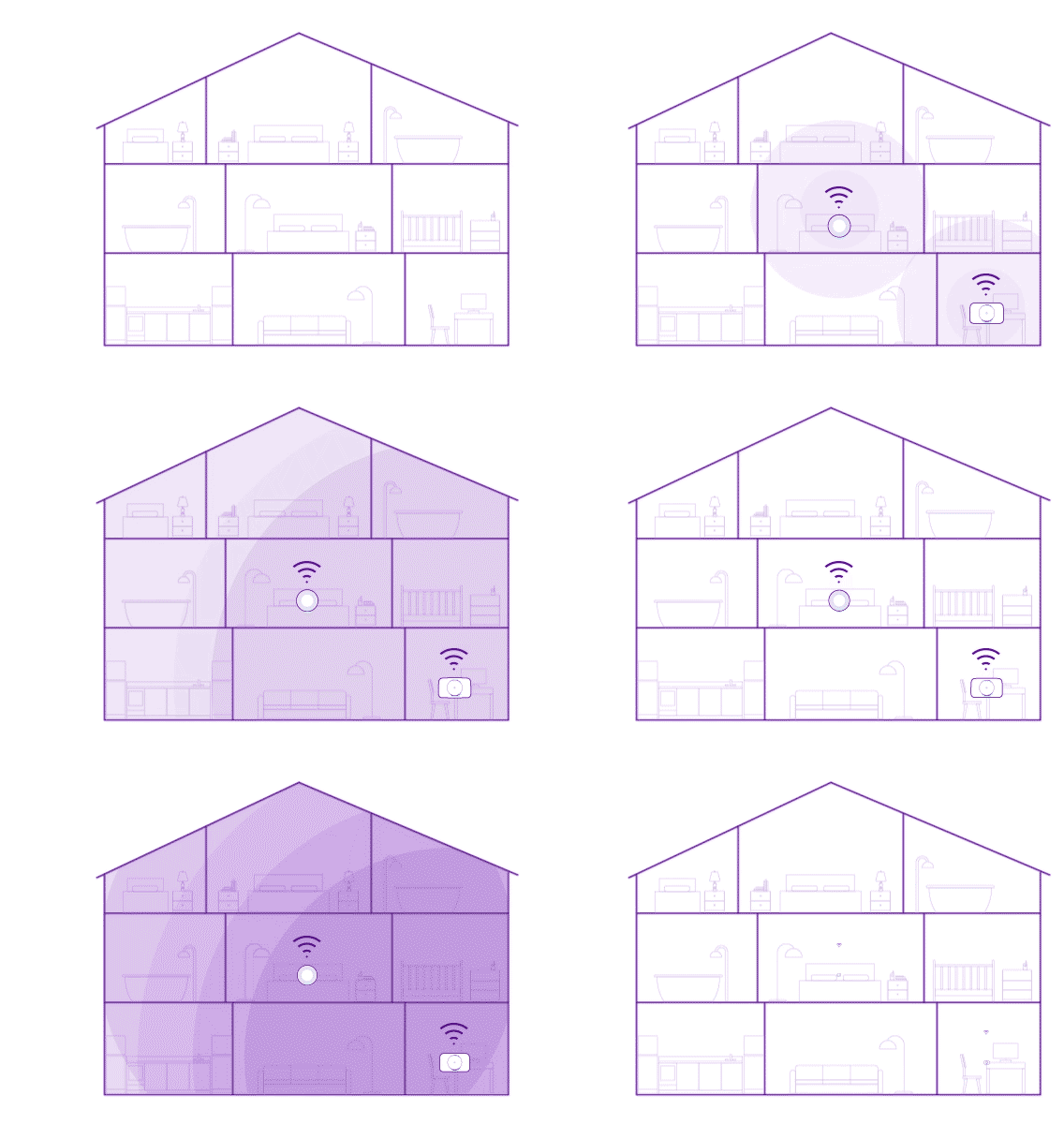
Try to place your hub close to where you use the internet most. Walls, doors and furniture can weaken the signal.
Follow our tips to Improve your Wi-Fi with BT.
Restarting your devices from time to time can also help. Turn Wi-Fi off on your device, or switch to aeroplane mode for a few seconds, then turn it back on.
If you struggle to get a good signal in some rooms, Complete Wi-Fi may help.
6. If your hub is switched off
Keep your hub switched on and connected at all times. This helps us give you the fastest and most stable service, and makes sure it stays up to date.
Switching the hub off regularly can make the line appear unstable. This may cause your speed to be reduced to keep the connection reliable.

7. Time of day
We invest heavily in our network so customers can get fast speeds, even at busy times. However, like rush‑hour traffic, speeds can vary depending on how many people are online.
During peak times, usually 8pm to 10pm, you may notice slightly slower speeds.

8. Viruses and online threats
Viruses and malware can slow down your devices and your broadband.
Our Smart Hubs come with Web Threat Protect built in. It helps keep you safe online by stopping you from opening harmful or fake websites that could try to steal your information or infect your device.
It warns you if a website looks unsafe, so you know before you go any further, and can choose whether to continue or avoid it.
You should also protect each device with Cyber Threat Protect, which is included with your broadband.