Learn how your whole connected home can be protected with security built into the BT Smart Hub 3.
Our latest Smart Hub comes with Hub Threat Protect built in. It's the first line of defence for your home network, protecting your Wi-Fi connection and all your devices that connect to it.
So everything, from your video doorbell to your fridge and everything in between, is protected, and you're in control.
Hub Threat Protect automatically blocks suspicious activity and lets you view all contained threats in a single, easy-to-use dashboard. And, you can override certain threats that have been blocked if you judge them to be safe.
You'll find Hub Threat Protect in your MyBT App where you can see, override or toggle blocked threats.
- Open the My BT app
- Go to More, then Your wi-fi network and follow the set up steps to connect the app to your Hub
- Go to Wi-fi Security
- In Wi-fi Security, toggle Turn Threat Protection on
- Scroll down to Hub Threat Protect and and click on View all for more detail of threats that have been blocked
You can get the My BT app by scanning this QR code with your device:
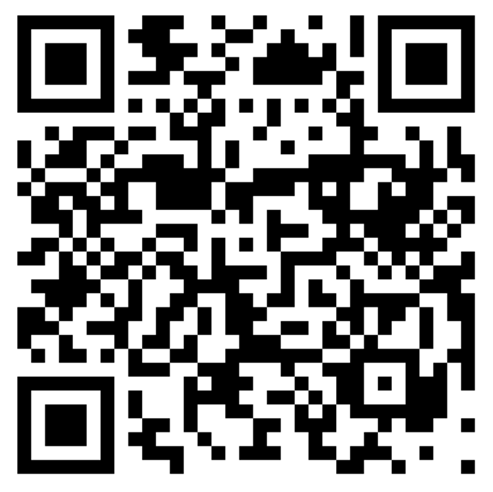
or download it from: