Sports you love, all in one place
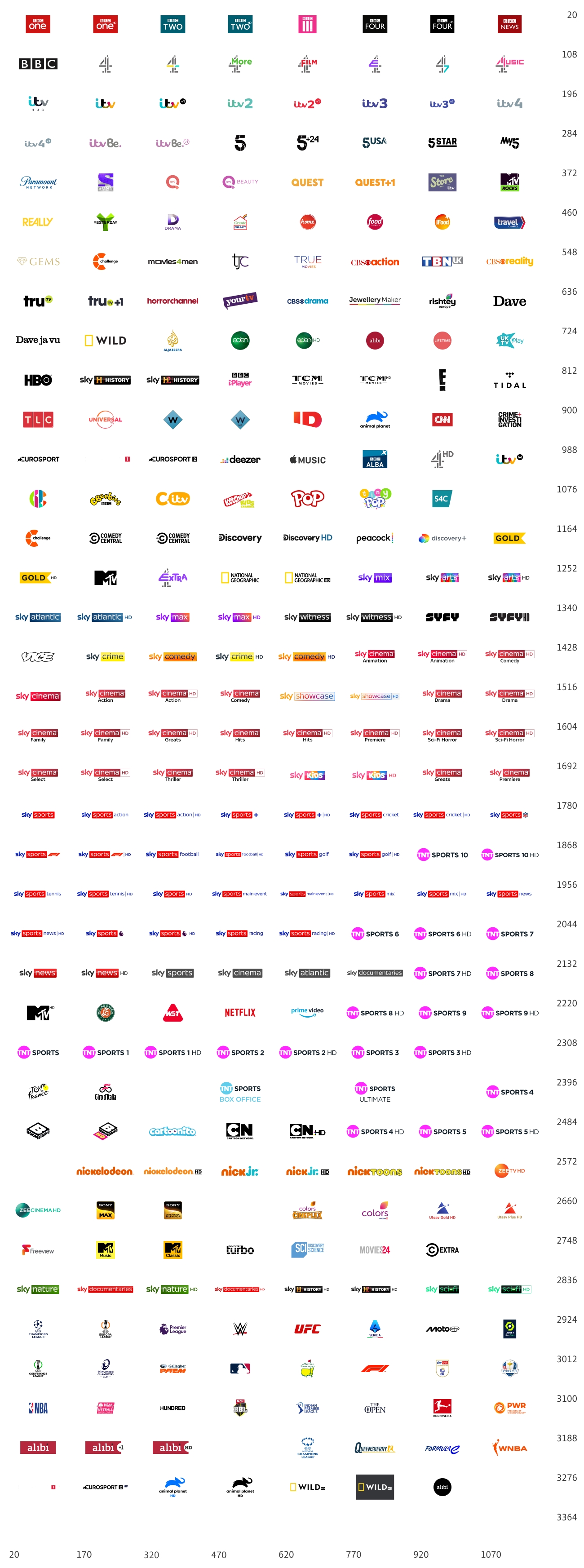
Enjoy all 4 TNT Sports and all 12 Sky Sports HD channels, plus a discovery+ TNT Sports & Entertainment subscription with TNT Sports & Entertainment, when taking our Big Sport EE TV package.
How to get the best in sports
Stream the best live sports, your way.

Sport Monthly Pass
1 month rolling contract
Cancel any time, watch instantly via the discovery+ app. Includes all 4 TNT Sports channels.

£33 a month
£0upfront
No Broadband needed
£2 a month for 6 months on Sport

Sport
24 month contract
All 4 TNT Sports channels and a discovery+ TNT Sports & Entertainment (incl. TNT Sports) subscription

£2 a month
£0upfront
Select broadband plan in the next step

Big Sport
24 month contract
All 4 TNT Sports channels, all 12 Sky Sports channels and a discovery+ TNT Sports & Entertainment (incl. TNT Sports) subscription

£48 a month
£0upfront
Select broadband plan in the next step
Compare sports packages
Compare sports packages and find the best way to enjoy live
sports at home or on the go

What's included with TNT Sports?

discovery+ TNT Sports & Entertainment brings you four TV channels from TNT Sports, and up to six digital or red-button channels.
You get the Premier League, UEFA Champions League, UEFA Europa League, and the UEFA Conference League. Then there’s UFC, Gallagher Prem Rugby, Grand Tour Cycling, Snooker, international cricket — the list goes on.


What's included with NOW Sports?

Choose our Big Sport or Full Works EE TV package and access all 12 Sky Sports Channels, with live sporting action including the Premier League, Formula 1® , golf majors and much more.
If NOW Sports is not already included in your package, you have the option to select a NOW Sports Extra add-on.
Watch at home or on the move with the NOW app.

Watch on devices that suits you best
Stream TNT Sports in stunning 4K with the discovery+ app. Watch live sports on devices that suit you best, whether it’s on TV, mobile or tablet.

Get the latest news and updates from TNT Sports
For all the latest news, highlights and more, visit TNT Sports .
Ready to start watching?
Frequently asked questions
The discovery+ app is the new home for TNT Sports online. Making the switch is quick and easy with three simple steps.
Note: Before you start select the type of TNT Sports subscription you have.
Step One. Activate
I have TNT Sports with BT Broadband (EE TV/App/Sky)
Log in to My BT. Go to Your Products, select TV/Sport (depending on your package), and select Activate discovery+.
I have TNT Sports as a Monthly Pass or on BT Mobile
Visit https://www.bt.com/sport/activate-discovery-plus/
I have TNT Sports with EE
If you joined us before 18th July 2023 and had an active BT Sports account visit Activate discovery+ (bt.com)
If you joined after 18th July 2023 or have not activated BT Sports visit:
https://www.ee.co.uk/TNTSports
Please note customers visiting over a Wi-Fi network will need to complete a onetime pin challenge, they need to enter their mobile number so a PIN is sent to verify its them.
Some Apple Customers are having problems with this, this can be resolved by switching off Wi-Fi and just using a mobile network or by downloading Chrome from the App store and entering https://www.ee.co.uk/TNTSports into a Chrome Browser.
Step Two: Create a discovery+ account
You’ll then be asked to create a discovery+ account and accept the Terms of Use or sign in. If you already have a discovery+ account, please sign in.
Step 3. Start watching online
Download the discovery+ app from your favourite app store or watch via discoveryplus.com
Trouble-shooter for activating discovery+
When I login to discovery+ it says I need to pay
You do not need to pay for a new subscription to discovery+ if you are a TNT Sports or EE TV (formerly BT TV) Entertainment or Big Entertainment customer. Once you have activated your discovery+ account. Use the ‘sign in’ to start watching.
When I login to discovery+ it does not recognise my email address and password.
- Your existing login details will not work with discovery+. You need to register and then activate using the instructions above.
- Once you have activated use the ‘reset your password’ link at the sign in page to create a new password. If it does not recognise your email address, make sure you have followed the steps above.
The discovery+ app is available on most smartphones, tablets, desktop browsers, and most connected devices, including Android TV, Apple TV, Fire TV, Amazon Fire Smart TVs, Samsung Smart TVs, and Roku. A full list of supported devices is here.
Yes, but you’ll need a TV Box Pro or a TV Box Mini. The app is not yet available on older TV boxes.
You can watch on Android TV, Apple TV, Fire TV, Amazon Fire Smart TVs, Samsung Smart TVs, and Roku. A full list of supported devices is here.
Once you've activated and created your discovery+ account through BT or EE, you'll be able to browse and watch discovery+ shows through the discovery+ app or via https://www.discoveryplus.com/gb
If you have an existing discovery+ subscription and activated this package through BT or EE, you may end up with two subscriptions. To avoid this, cancel your existing discovery+ subscription in accordance with its terms and wait until it ends before activating discovery+ through BT or EE. If you are a registered user of discovery+ and don't have a current discovery+ subscription, when you activate the discovery+ package via BT or EE, you can use your existing account details. The plan will then be added to your existing account.
To solve issues with content playing, loading, or showing any error messages, you can visit the discovery+ help page for further support and troubleshoot. Just visit https://support.discoveryplus.com/hc/en-gb
Copyrights:
© 2025 Warner Bros. Discovery. All rights reserved.
Formula 1®, F1®