After setting up your BT ID, you can add other @btinternet or @btopenworld email addresses.
Follow these steps:
- Log in to My BT with your BT ID.
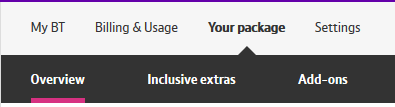
- Select Your Package and then Inclusive extras.
- Select on the BT Email icon under Your smarter broadband extras
- Select Manage BT Email
- If you’re the primary BT ID holder, you’ll see all your sub-accounts. Add the ones you use by entering the password for each.
If you’re not the primary holder, you can add other email addresses by entering the addresses and passwords.
- After adding sub-accounts, log in to webmail with your BT ID. Use the drop-down menu in the top right to switch between addresses. This is useful if you manage several email addresses, as you only need one login.
To set up a device or email app for a sub-account, use its email address and password—not your BT ID.
If you forget a sub-account password, log in with your BT ID to reset it in the BT Email Management page.
Sub-accounts used by another family member are called affiliate accounts. To keep them secure, follow the gifting process.